
Coming soon · Release date: October 16, 2026 · Info based on official announcements Sources ↗
UpdatedBeyond These Stars system requirements: Can Your PC Run It?
Check Beyond These Stars system requirements, compare minimum and recommended PC specs, and review RAM, graphics, storage, and Steam Deck support today.
Jump to
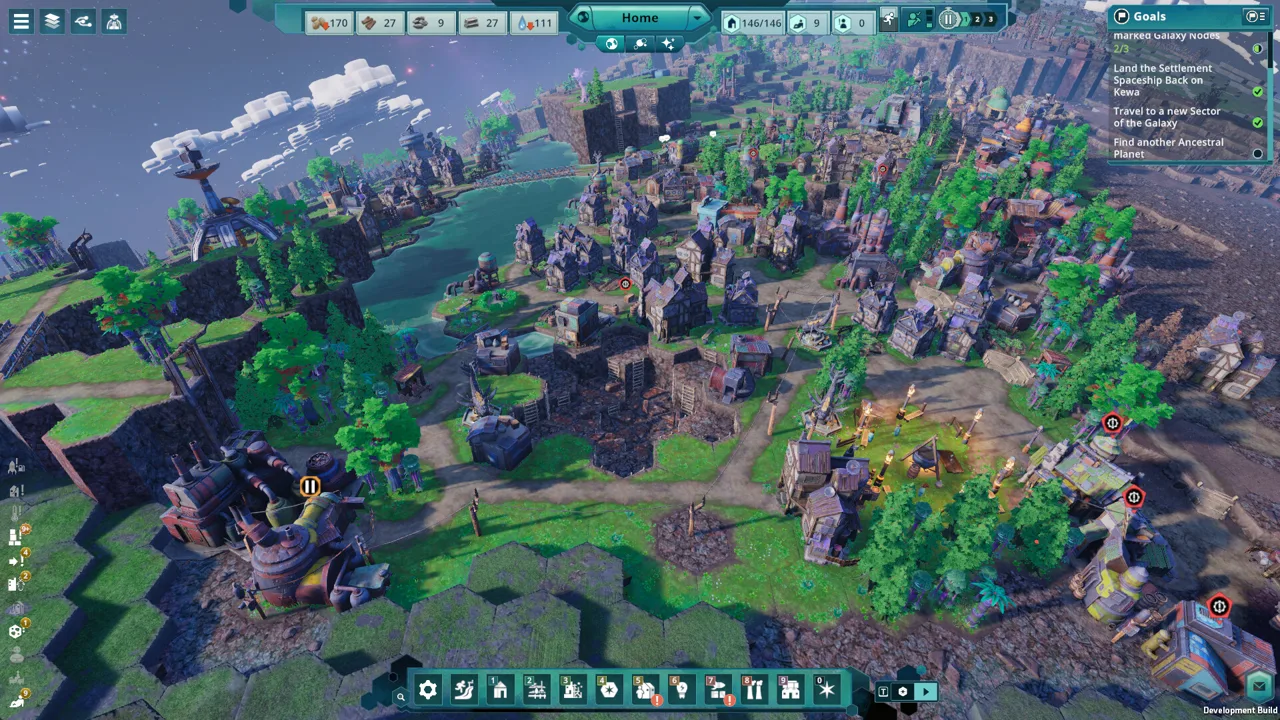
Can Your PC Handle a City on a Space Whale?
A city on a traveling Space Whale sounds like an inviting escape—provided your computer can handle the journey. Checking the Beyond These Stars system requirements helps you compare your hardware before downloading the demo or planning an upgrade. The Beyond These Stars system requirements start at 8 GB of RAM and a GTX 960 or RX 570, while the recommended configuration calls for 16 GB and an RTX 2070 or RX 6600 XT.
Developed by Balancing Monkey Games and published by Hooded Horse, this city builder puts your settlement on Kewa, a sentient Space Whale. You manage production chains, reshape terrain, establish planetary outposts, and balance your people’s needs with the health of their living home.
Steam lists a planned release date of October 16, 2026. The specifications below reflect that prelaunch listing. They provide hardware targets, but they do not specify a resolution, graphics preset, or frame rate. Keep that distinction in mind when deciding whether your existing computer is ready.
Minimum Beyond These Stars System Requirements
The minimum specification combines a quad-core processor, 8 GB of system memory, and a dedicated graphics card with 4 GB of video memory. You also need a 64-bit processor and operating system.
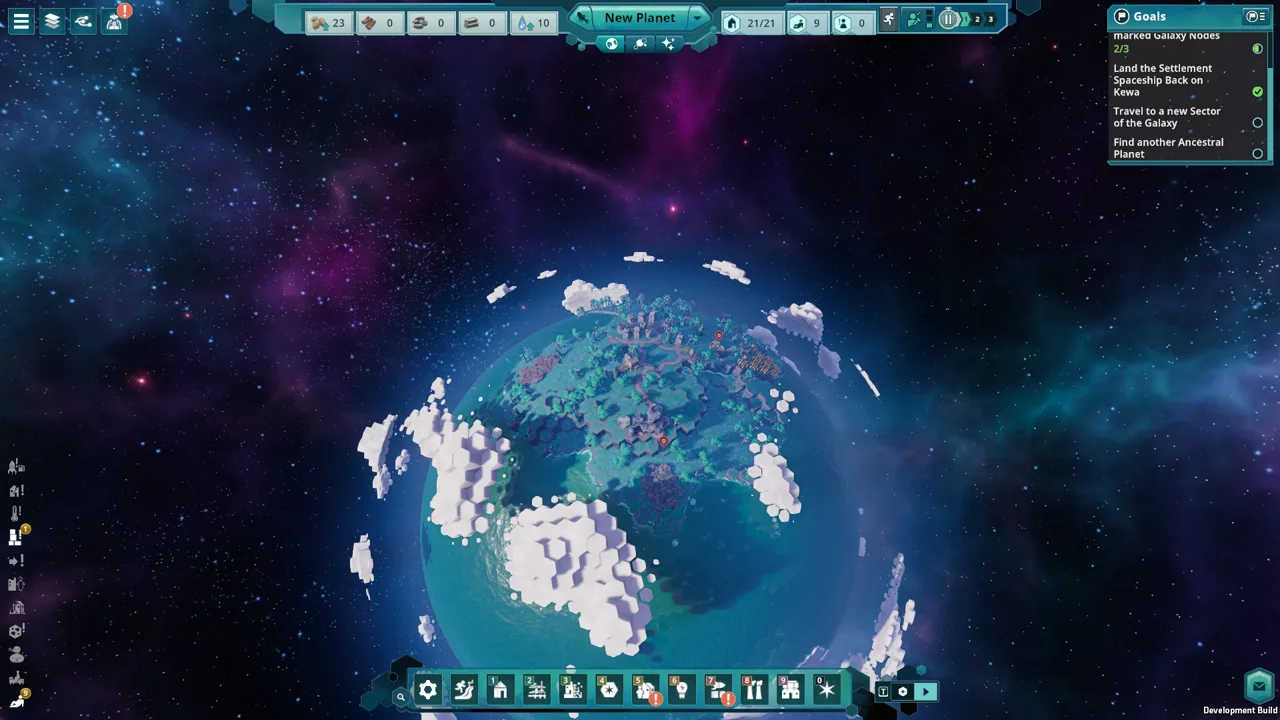 Image: Steam / Balancing Monkey Games
| Component | Minimum specification |
|---|---|
| Operating system | Windows 10, 64-bit |
| Processor | Intel Core i5-6600 or AMD Ryzen 3 3200G |
| CPU core count | Quad-core |
| Memory | 8 GB RAM |
| Graphics | NVIDIA GeForce GTX 960, 4 GB, or AMD Radeon RX 570, 4 GB |
| DirectX | Version 11 |
| Storage | 7 GB available space |
| Storage note | SSD recommended |
These are the lower published hardware targets. Meeting them does not establish a particular performance level, especially because the listing does not explain the conditions used to set them.
The GPU entries deserve close attention. Steam specifically names the 4 GB GTX 960, so checking only the card’s model name is insufficient. Compare its video memory as well. The same applies to the listed RX 570 configuration.
Also, the Ryzen 3 3200G processor entry does not establish support for its integrated graphics. The graphics requirement is a separate part of the specification, and Steam lists dedicated NVIDIA and AMD cards there. A computer with the named CPU still needs its graphics hardware checked.
For a PC near the minimum, a good approach is to try the available demo before making a purchase decision. Treat that as a practical compatibility check for the demo build, rather than proof of how the full game will perform with an expanded settlement.
Recommended Specs and What Changes
The recommended Beyond These Stars system requirements move to a six-core CPU, double the system RAM, and graphics cards with twice the listed video memory. Windows and available storage requirements remain the same.
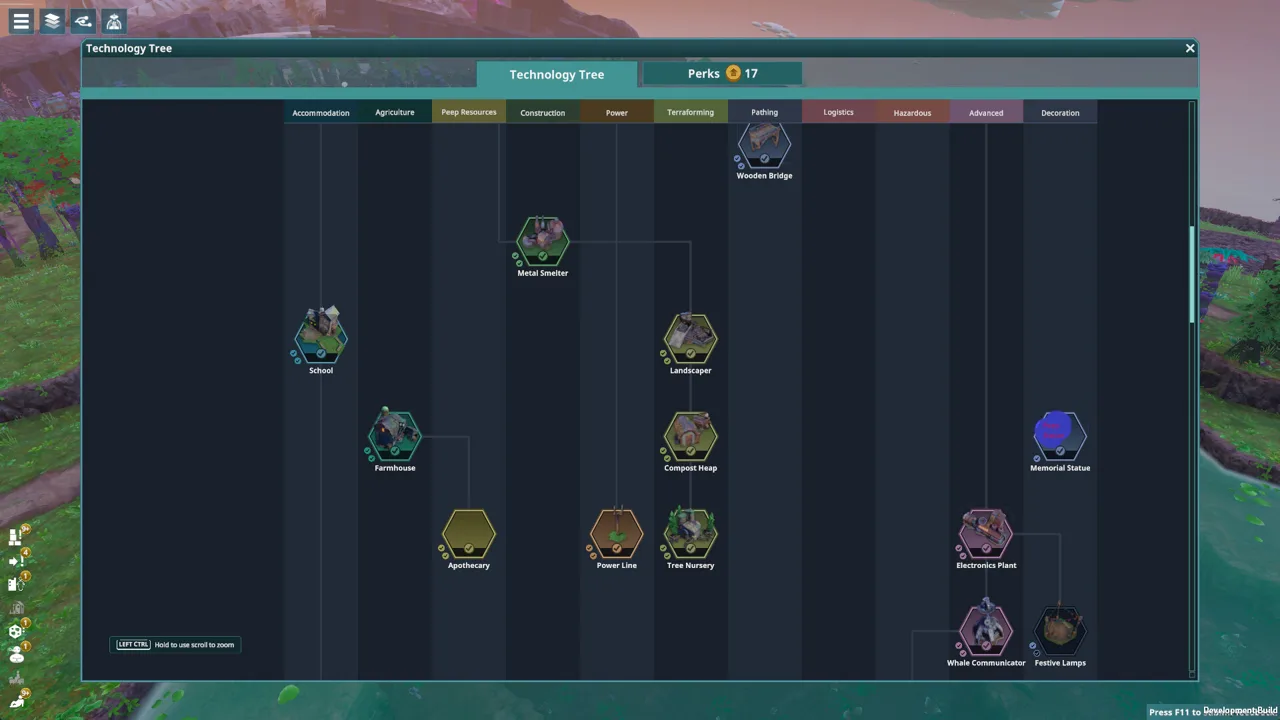 Image: Steam / Balancing Monkey Games
| Component | Recommended specification |
|---|---|
| Operating system | Windows 10, 64-bit |
| Processor | Intel Core i5-9600 or AMD Ryzen 5 2600X |
| CPU core count | Hexa-core |
| Memory | 16 GB RAM |
| Graphics | NVIDIA GeForce RTX 2070, 8 GB, or AMD Radeon RX 6600 XT, 8 GB |
| DirectX | Version 12 |
| Storage | 7 GB available space |
| Storage note | SSD recommended |
The recommended CPU names are specific: Core i5-9600 and Ryzen 5 2600X. Labels such as “Intel i5” or “AMD Ryzen 5” cover many processors, so they are not enough to make a meaningful comparison.
Likewise, recommended graphics hardware should not be interpreted as a promise of maximum settings. The listing gives no target resolution or frame rate, and it does not identify a benchmark scene. There is no supported basis here for assigning a particular FPS expectation to either card.
This distinction matters for a game centered on interconnected production, transportation, and settlement systems. Beyond These Stars includes intricate supply chains and environmental management, but the listing does not quantify how those systems affect CPU load or memory use. Avoid treating an assumption about city builders as a measured result for this game.
The differences between the published tiers are straightforward:
| Requirement | Minimum | Recommended |
|---|---|---|
| Listed CPU core count | 4 cores | 6 cores |
| System memory | 8 GB | 16 GB |
| Listed GPU memory | 4 GB | 8 GB |
| DirectX version | 11 | 12 |
| Available storage | 7 GB | 7 GB |
If you are comparing an existing computer, assess the entire configuration. Having the recommended amount of RAM does not compensate for graphics hardware below the listed minimum, and a capable GPU does not establish that the processor meets the target.
How to Compare Your PC Before Downloading
The Beyond These Stars system requirements are most useful when you compare exact component names instead of broad marketing labels. Start by checking your computer’s system information and graphics hardware details, then compare them with the tables above.
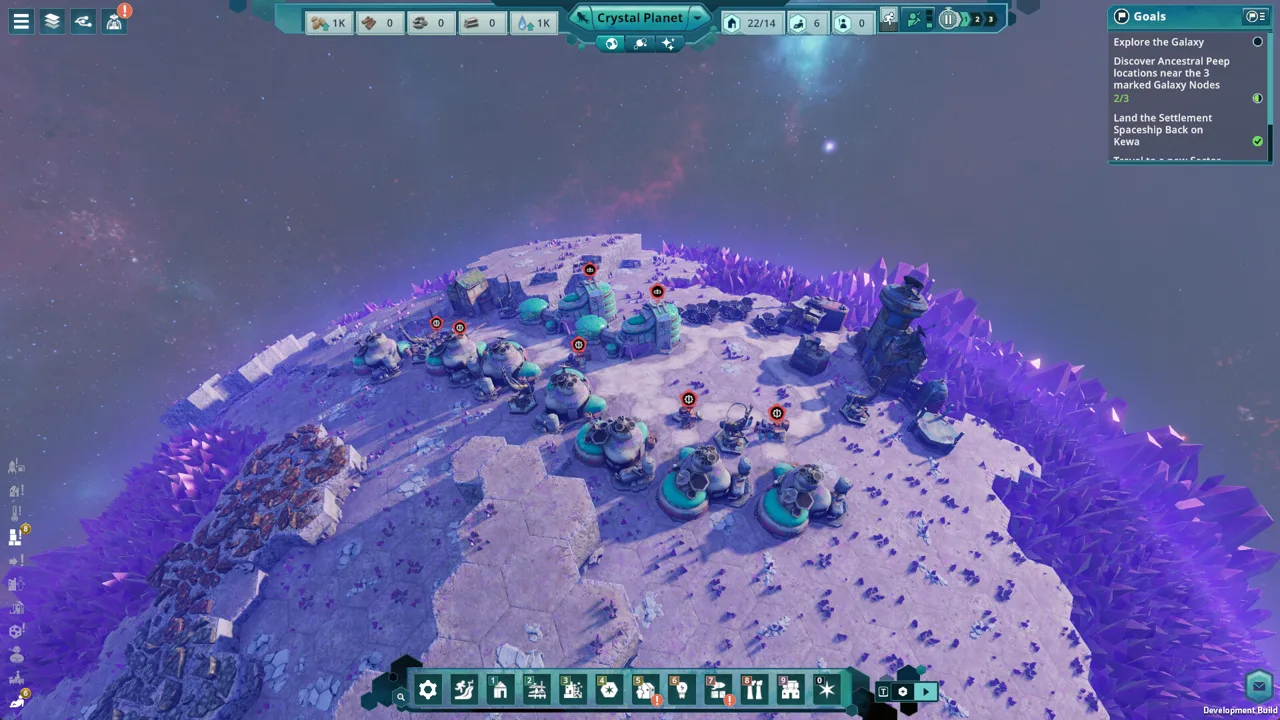 Image: Steam / Balancing Monkey Games
Check the CPU and GPU Separately
Record the complete processor model, the graphics card model, and the graphics card’s dedicated video memory. This is particularly useful for laptops, where a familiar product family name may refer to hardware with different specifications.
A laptop described simply as having “GeForce graphics” leaves too much unanswered. Similarly, the presence of a Ryzen processor does not tell you whether the computer uses integrated graphics or a separate Radeon card.
If your components are not among the named models, the Steam listing alone cannot establish equivalence. Newer hardware may be capable, but release year, branding, and memory capacity are insufficient to prove comparable performance.
Before spending money, seek a reliable comparison for your exact hardware or use the demo to assess compatibility. There is no need to replace a working component merely because its name differs from the published examples.
Distinguish RAM From Video Memory
System RAM and graphics memory serve separate roles in the Beyond These Stars system requirements. The minimum calls for 8 GB of RAM alongside a graphics card with 4 GB of video memory; the recommended tier calls for 16 GB and 8 GB, respectively.
For example, a computer with 16 GB of system RAM and a 4 GB GTX 960 matches the recommended RAM amount and the minimum listed GPU configuration. That does not make the entire computer a recommended-spec system.
When reading a retailer’s description, look for both figures. A single statement about “memory” can obscure whether it refers to system RAM or dedicated graphics memory.
Check Available Space and the Storage Drive
Both tiers list 7 GB of available storage, with an SSD recommended. That means you should compare the requirement against free space, rather than the drive’s total capacity.
The listing recommends an SSD without making it a stated minimum requirement. It also provides no loading-time measurements, so there is no supported estimate for how much faster an SSD would be.
A reasonable preparation step is to check available space on the drive where you intend to install the game. If you already have an SSD available, using it follows the published recommendation. Recheck the storage figure when the game launches, since these are prelaunch specifications.
Keep Performance Expectations Grounded
Do not assume that meeting the minimum guarantees smooth performance at your preferred settings. Equally, do not assume that the recommended tier guarantees a specific frame rate throughout every stage of a city.
The Beyond These Stars system requirements provide comparison points, while a playable build lets you assess your own configuration. If you try the demo, pay attention to whether it starts correctly, whether navigation feels comfortable, and whether the experience meets your expectations.
Those observations apply to your hardware and that demo build. They cannot establish performance for content or settlement sizes you have not encountered.
Steam Deck, the Demo, and Launch Preparation
Steam marks Beyond These Stars as Playable on Steam Deck and lists a downloadable demo. These are useful options for checking the game before its planned release, although neither supplies detailed performance targets.
| Topic | Status in the prelaunch listing |
|---|---|
| Planned release | October 16, 2026 |
| Demo | Available to download on Steam |
| Steam Deck compatibility | Playable |
| Published desktop OS requirement | Windows 10, 64-bit |
| Developer | Balancing Monkey Games |
| Publisher | Hooded Horse |
The Steam Deck designation should be read as “Playable.” It does not provide a frame rate, battery-life estimate, graphics preset, or explanation of any compatibility caveats. Avoid assuming those details from the label alone.
For desktop users, the published requirements cover Windows 10, 64-bit. The available specification does not establish native macOS or Linux support. Steam Deck compatibility is a separate listing detail and should not be treated as a desktop operating-system requirement.
The demo offers a useful opportunity to explore whether you enjoy managing a settlement on Kewa as well as whether your hardware handles the available build. The game’s central decisions involve production efficiency, terrain changes, resource gathering, and coexistence with a living environment.
Before launch, a practical checklist is to:
- Compare your exact CPU and GPU models with the published specifications.
- Check system RAM and dedicated graphics memory separately.
- Confirm sufficient available installation space.
- Note the SSD recommendation.
- Recheck the store listing for changes to the release date or requirements.
You can download the Beyond These Stars demo or wishlist the game on Steam. Use the current listing alongside your hardware details to make an informed decision without assuming performance results that have not been published.
FAQ
What are the minimum Beyond These Stars system requirements?
The minimum requirements are Windows 10, 64-bit; an Intel Core i5-6600 or AMD Ryzen 3 3200G; 8 GB RAM; and a GTX 960 with 4 GB or RX 570 with 4 GB. Steam also lists DirectX 11 and 7 GB of available storage, with an SSD recommended.
Does Beyond These Stars require 16 GB of RAM?
Steam lists 8 GB as the minimum and 16 GB as recommended. Having 8 GB meets the published memory minimum, but overall compatibility also depends on your processor, graphics hardware, operating system, and the other listed requirements.
Can Beyond These Stars run on integrated graphics?
The published graphics requirements name dedicated GTX 960 and RX 570 cards at the minimum tier. They do not establish integrated-graphics support. Although the Ryzen 3 3200G appears in the CPU requirements, that entry does not replace the separate graphics requirement.
Is Beyond These Stars playable on Steam Deck?
Steam labels Beyond These Stars as Playable on Steam Deck in the prelaunch listing. That designation does not include specific performance figures or recommended settings. Check the current compatibility details and consider the available demo when assessing whether the experience suits you.
Join the community
Official channels for news, updates and player help: